Troubleshooting my CTF: a live debugging thread
Originally posted as a Twitter thread on December 9, 2021.
(1/?!?)
OK. Someone notified me that my CTF is down. I checked, and it is not responding. I’m trying to SSH to it, and I’m getting “Connection closed by remote host”. Time to investigate! Join me in a troubleshooting thread.
(2)
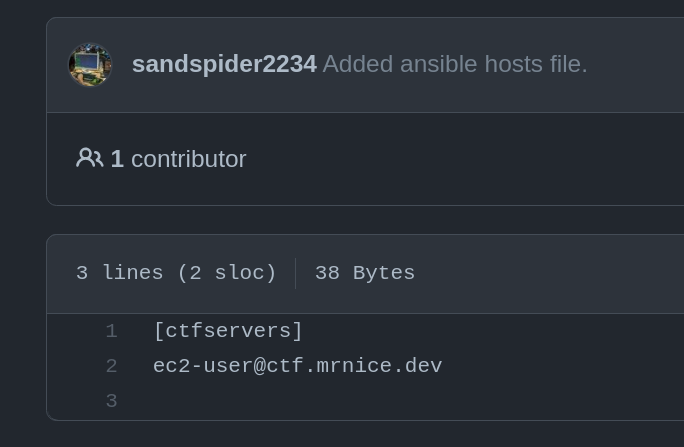
Let’s start with the basics. I don’t 100% remember the setup, so let’s review the Repository and see how this project is even put together.
OK, thanks @SandSpider2234. It’s on that EC2 instance that I set up.
(3)
Let’s check DNS first. It’s always f***ing DNS.
❯ dig ctf.mrnice.dev
...
;; ANSWER SECTION:
ctf.mrnice.dev.         1399    IN      A       52.57.138.68
Huh, so DNS is OK. Is the machine even on?
EC2 Dashboard says yes.
(4)
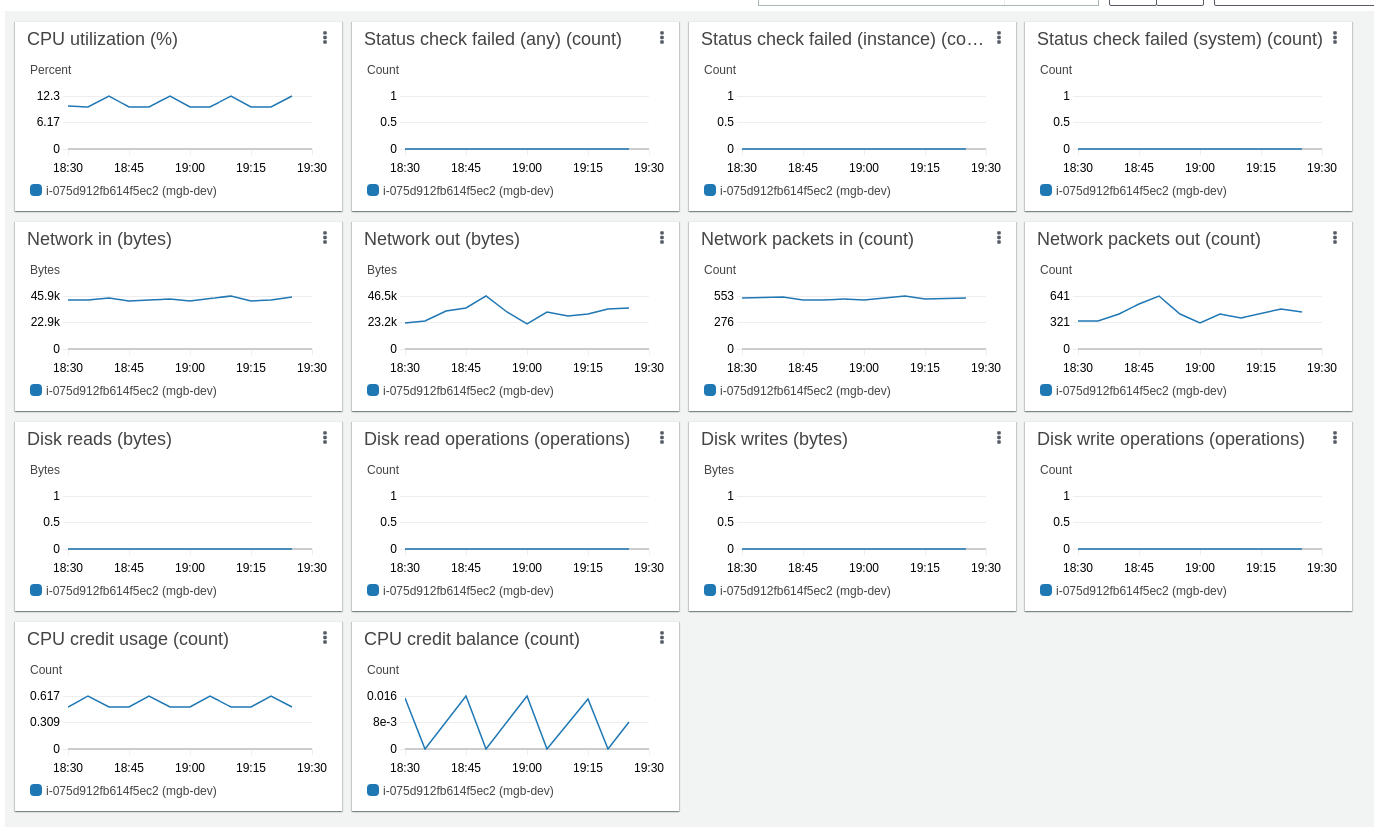
Is someone playing right now? F**k. I know I should have added server logs or something. The Monitoring tab showing Network In/Out - means that someone is using the server right now. WTF?
I’m beginning to suspect that someone (bot) hacked my server, and is mining on it.
(5)
Let’s read the error more carefully. Here’s what I’m getting:
❯ ssh player@52.57.138.68 -p 12345
kex_exchange_identification: Connection closed by remote host
Connection closed by 52.57.138.68 port 12345
Tried to read the source code ( https://github.com/openssh/openssh-portable/blob/V_8_2/kex.c#L1247 ) and…
(6)
understand what this error means and why would it happen. Also found this ServerFault thread that sort of explains it https://serverfault.com/questions/1015547/what-causes-ssh-error-kex-exchange-identification-connection-closed-by-remote and this article https://linuxhint.com/kex-exchange-identification-connection-closed/. Nothing immediately useful in either, though. I’ll dig around and update!
(7)
I checked the network rules, and they allow SSH from any IP to port 12345. So it’s not the Security Group’s fault, either. Nothing seems out of order with anything in the VPC - route table, internet gateway, subnets… All look fine to me.

(8)
I’m really tempted to just reboot, but I want to keep investigating. I’ll set up a debug SSH inbound rule and try to connect to it. Luckily I’ve found my keys🔑!
A quick visit to https://wtfismyip.com/ to update the rule…
(9)
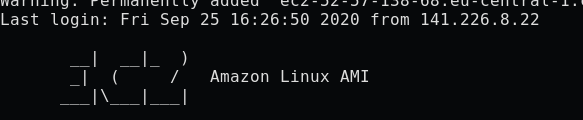
“I’m in.”
(looks at Last Login Date)
“Oh god.”
(10)
A-ha! We’re getting somewhere.
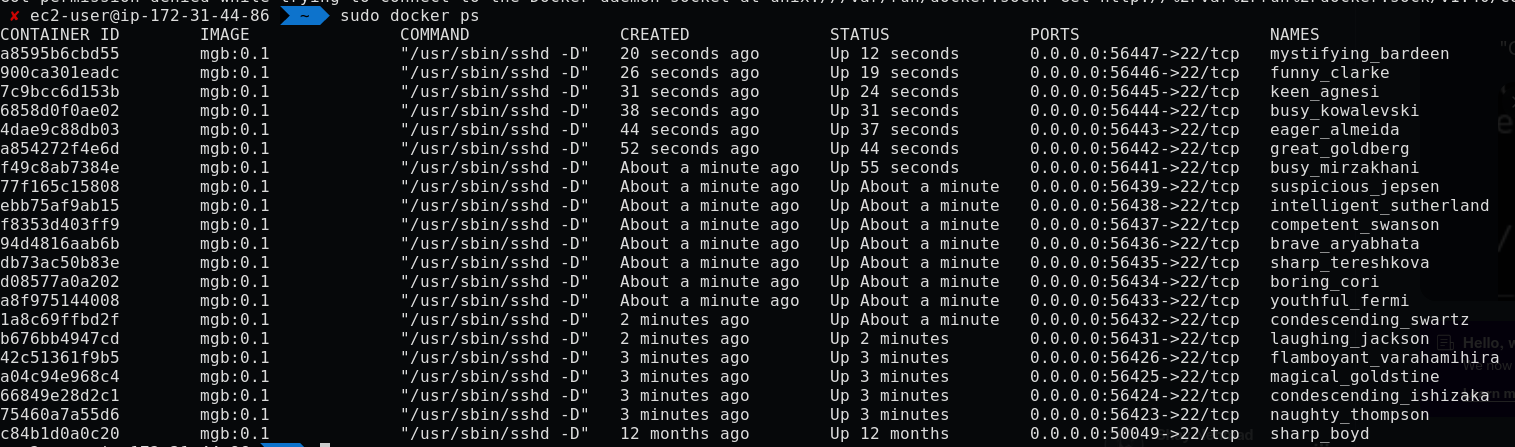
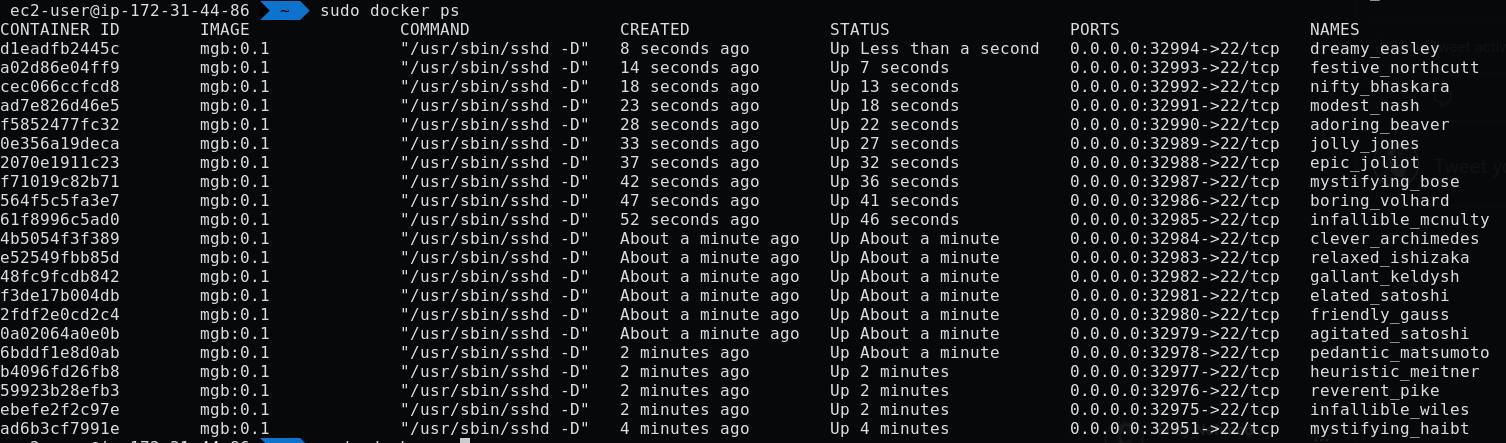
I’ve used https://github.com/OverTheWireOrg/docker-tcp-switchboard to set up my game, just like @OverTheWireCTF do. And from docker ps, it seems like someone is connecting to a new instance all the time!
(11)
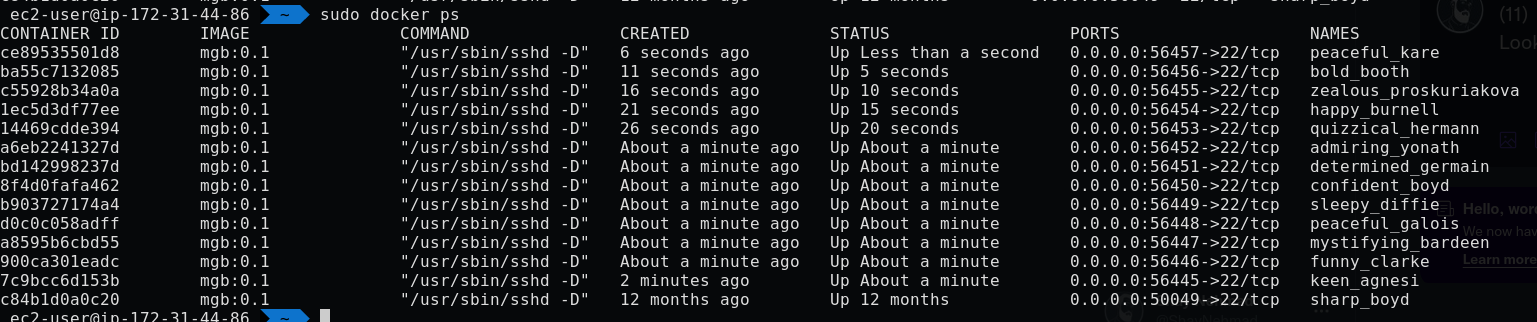
Look! I waited a minute, and it happened again! Some machines died, and new ones are created, every 5 seconds or so. WTF?!?! Is someone trying to bruteforce my game (AWESOME), or is someone trying to mine on the game instances (LAME)?
To be continued!
(12)
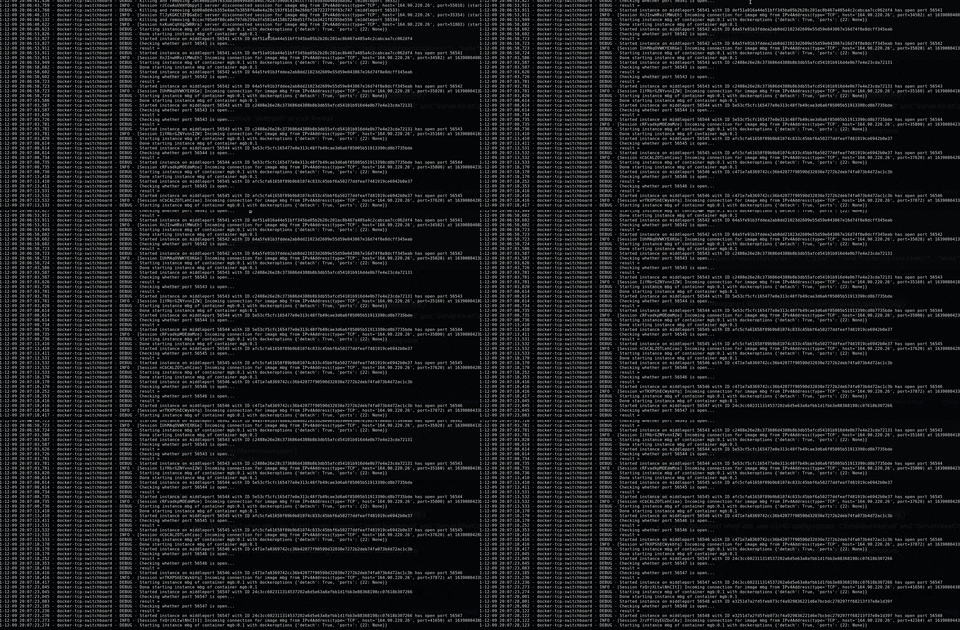
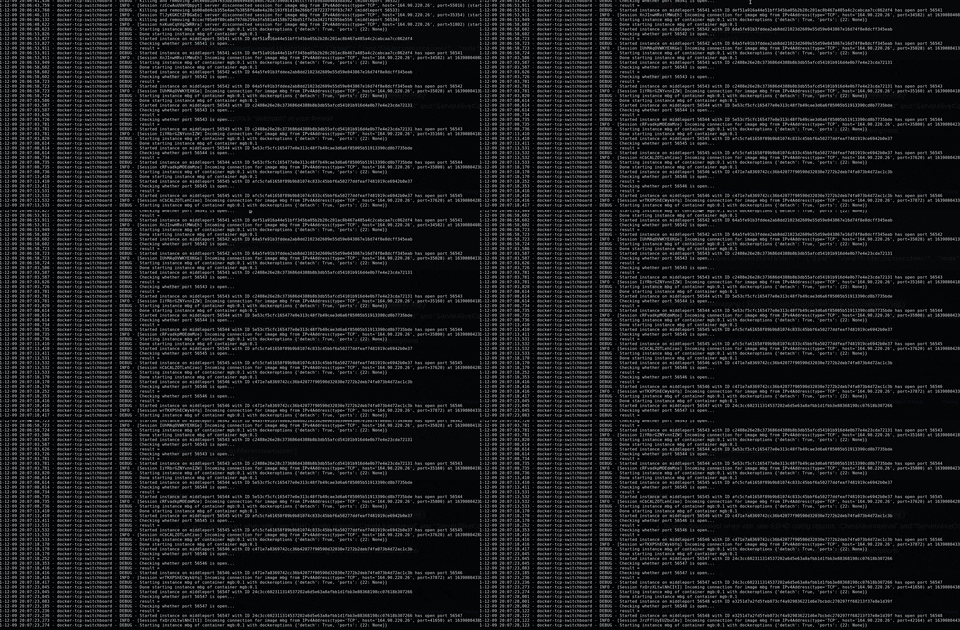
OK, check out the live tail on the docker-tcp-switchboard log file. Every few seconds a new instance is created. I suddenly worry about what would happen if someone tried to SSH from inside the machine into itself forever?
https://media.giphy.com/media/ZsofXvrKew4w5wBSNP/giphy.gif
(13)
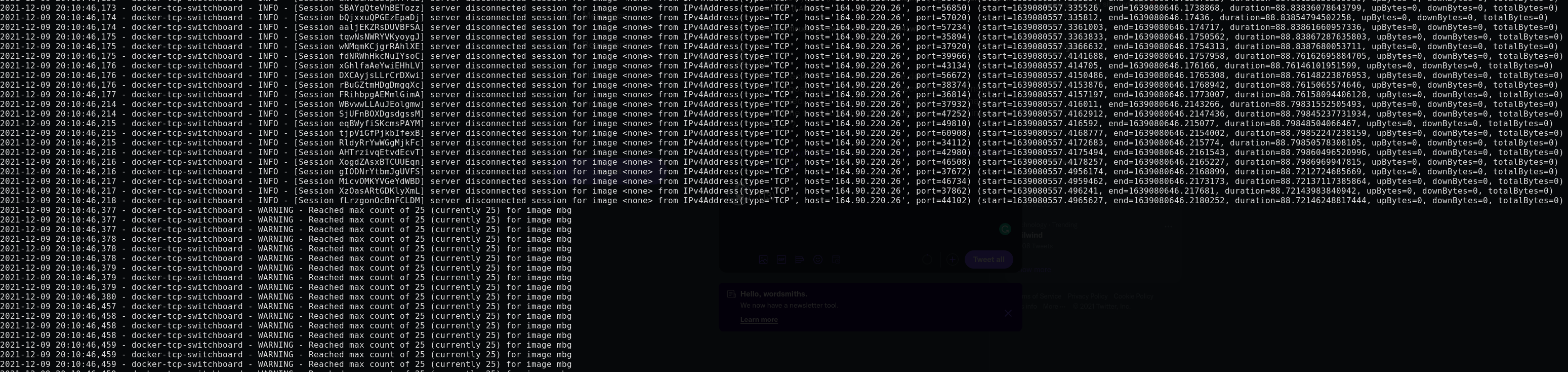
After a while, it (docker-tcp-switchboard) reaches the max amount of containers, and starts killing them (perhaps inactivity). Every 5 seconds, on the dot. This is definitely some script, but what’s the source? Where is this (literal) DOS coming from? Is it a bug, or what?
(14)
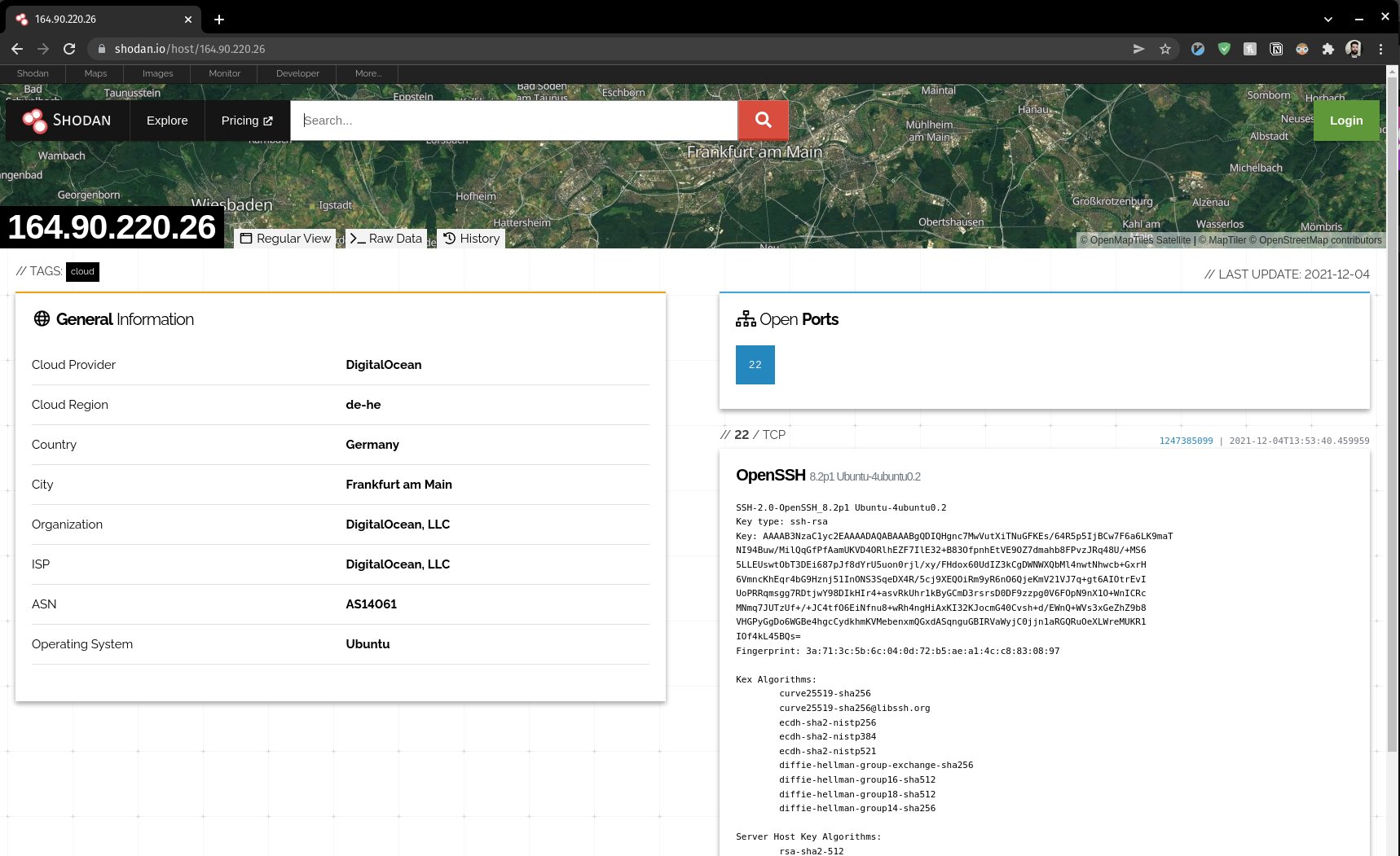
What can I investigate? Perhaps the IP 164[.]90[.]220[.]26. @shodanhq says it’s an Ubuntu cloud instance and that Port 22 is open there. ORLY?!
I’m now internally debating whether I should try to log in, or just change the game port. Will get back soon with my decision.
(15)
I’ve thought of something that’s less extreme than a hack-back. I am running on the host, they are my guests. I can log in to a running instance if I’m quick enough, and try to see what the “player” is trying to do by checking the… command history, maybe?
Nothing there.
(16)
This might be a misconfiguration/something silly like some script not working anymore, and not a super cyber hack. I tried to docker exec into a running container, and it didn’t seem to work too well - perhaps some startup weirdness?
I think I might reboot stuff.
(17)
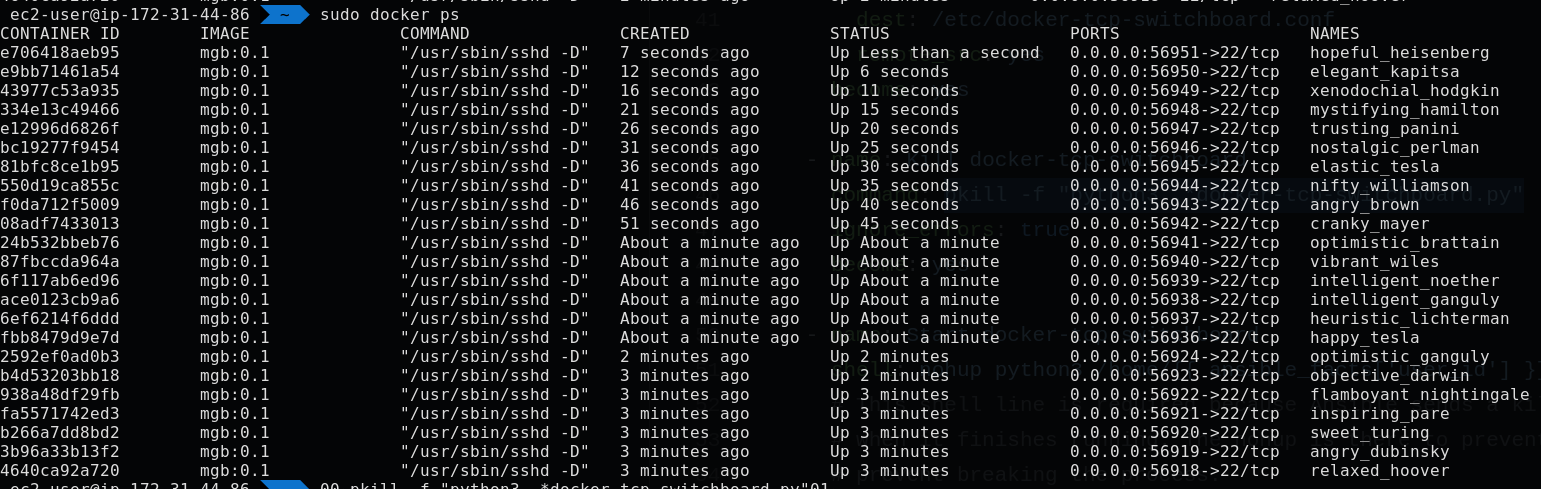
I stopped all running docker containers, and the problem persists. A few minutes later, this was the output of docker ps.
(18)
After killing the switchboard, docker ps was empty. Let’s try to run it again!

(19)
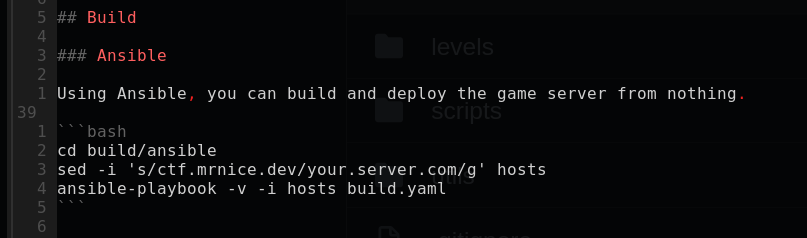
I’m so happy I set up Ansible and documented it. Finally worth it after 2 years. Just need to install Ansible on this machine, configure SSH keys, and run ansible-playbook.
It didn’t work (failed on docker build task), so I restarted the docker service, rebuilt. Waiting…
(20)
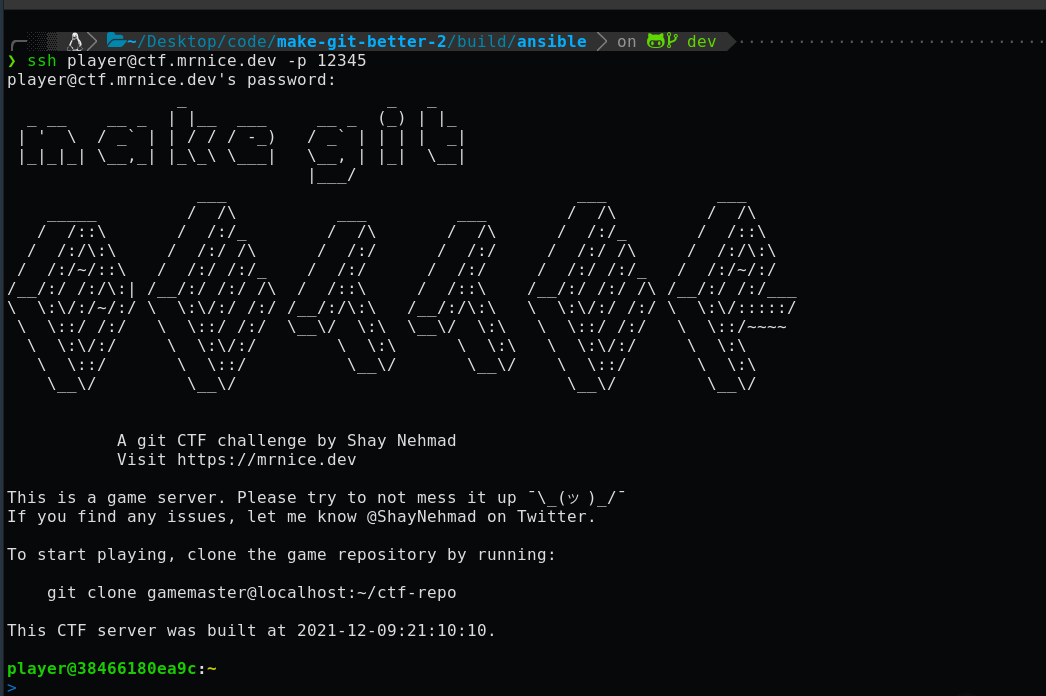
Ansible worked!
Let’s try to connect…

(21/21)
WORKS!
So, what happened? I’m not 100% sure. I think that either: someone messed up an image to connect to the image on loop, or just a bug in docker-tcp-switchboard when running for 2 years without a restart.
If you read all the way here, LMK if I missed something 👋
(22)
Oh, no… It’s back.
After logging in, after a few seconds, the connection freezes up, and many new images are created - even after I disconnect.
Need to keep digging…
(23)
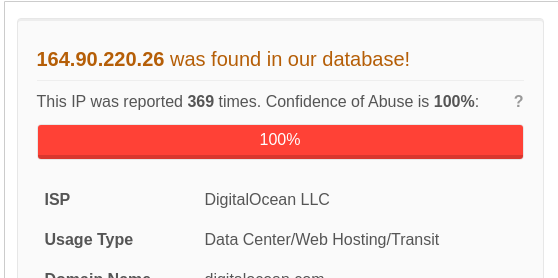
So I checked everything, rebuilt images, etc., and this doesn’t seem like my fault. I re-read the thread and decided to go back to the IP from the logs. Tried to just search for the IP, and I found this:
https://www.abuseipdb.com/check/164.90.220.26
(24)
Specifically, 12345 is the game port. I’m going to try to block this IP on AWS Security Group and see what happens. If it is a malicious server that just killed my evening, I’ll be somewhat pissed off 💢 But at least I got a cool thread out of it I guess?
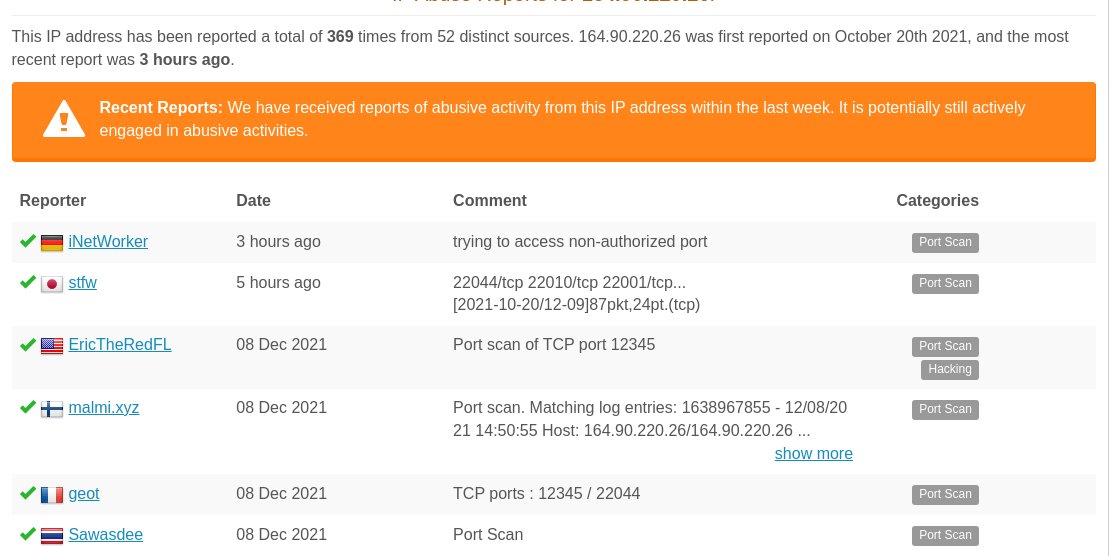
(25)
Reported to the abuse URL in the WHOIS comment, as well.
(26)
After reading some AWS documentation, I should do this at the Network ACL level, not the Security Group level.
https://aws.amazon.com/premiumsupport/knowledge-center/ec2-block-or-allow-ips/
(27)
The IP is malicious according to the “badguys” txt file from CIArmy as well! (http://cinsscore.com/list/ci-badguys.txt)
The ACL change came into effect, and after remembering that I have to block outbound as well, everything… Seems to work? I’ll wait for a few minutes and check again.

(28)
I think it works now! Like, for real!
What happened?
- A user indicated that the application is down (Thanks https://www.linkedin.com/in/oren-sayag-3a5898215/!)
- I opened a thread on a whim, pretty sure it’s was going to end with “so it’s DNS, haha”.
- I investigated it and collected IoCs.
(29)
- Before assuming an attack, I looked for bugs and infrastructure changes, since usually, that’s the case.
- Once I felt comfortable I didn’t have any bugs, I started looking in DBs and online for the IoCs - the IP was relevant!
- I blocked the IP.
- It worked!
G’night